OmniStore
  • მთავარი
  • ქალის ტანსაცმელიშინაური ცხოველების ნივთებისახლი, ბაღი, ავეჯიHealth, Beauty & HairJewelry & WatchesMen's ClothingBags & ShoesToys, Kids & BabiesSports & OutdoorsConsumer ElectronicsHome ImprovementAutomobiles & MotorcyclesPhones & AccessoriesComputer & Office
    View All Categories

    Featured Gear

    Shop Collection
OmniStore

თქვენი პრემიუმ ონლაინ მაღაზია: უმაღლესი ხარისხის პროდუქცია, სწრაფი მიწოდება მთელი საქართველოს მასშტაბით და საიმედო მომსახურება.

მომხმარებელთა მომსახურება

  • შეკვეთის სტატუსი
  • მიწოდება
  • დაბრუნება
  • კონტაქტი

იურიდიული

  • კონფიდენციალურობა
  • წესები და პირობები
  • ქუქი ფაილების პარამეტრები
კომპანიის რეკვიზიტები

ინდ.მეწარმე ომნიშოპი
ს/კ (საიდენტიფიკაციო კოდი): B26399651
იურ. მისამართი: საქართველო, თბილისი, გურამიშვილის გამზირი 176.

საკონტაქტო ნომერი

+995555739139მობილური: +995555739139

ელექტრონული ფოსტა

omnistore.ge@gmail.comkakee.gio@gmail.com

სამუშაო საათები

ორშაბათი – პარასკევი: 10:00 – 19:00
შაბათი: 11:00 – 16:00
კვირა: დასვენების დღე (ონლაინ შეკვეთები 24/7)

უსაფრთხო გადახდები უზრუნველყოფილია:UniPAY•VISA•MasterCard

ვებ-გვერდი შეესაბამება საქართველოს კანონს „ელექტრონული კომერციის შესახებ“.

© 2026 ინდ.მეწარმე ომნიშოპი. ყველა უფლება დაცულია.

შექმნილია ხარისხზე ფოკუსირებით.

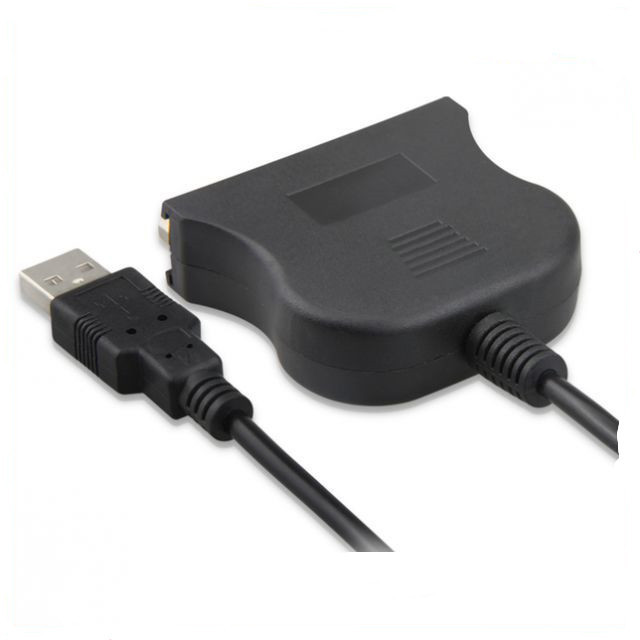
HomeProjectors & AcessoriesUsb To 25 Pinhole Parallel Lines DB25 Interface IEEE 1284 Printer Usb20 Cable
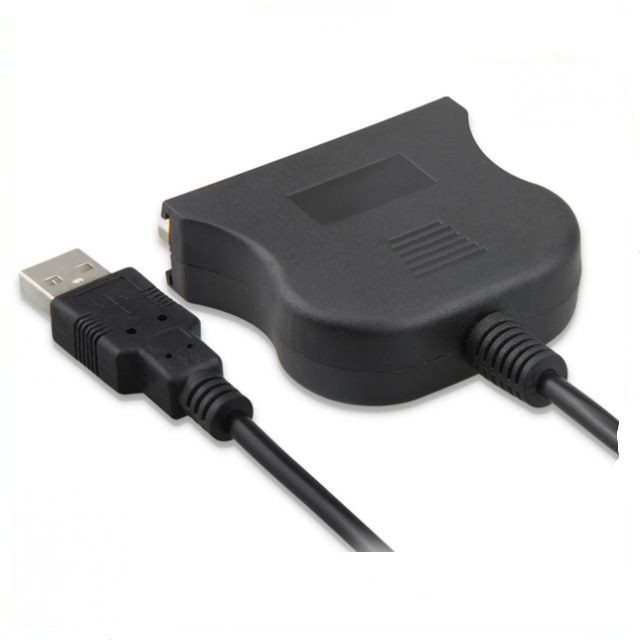
Usb To 25 Pinhole Parallel Lines DB25 Interface IEEE 1284 Printer Usb20 Cable
Hover to zoom
1 / 8

Consumer Electronics > Home Audio & Video > Projectors & Acessories

Usb To 25 Pinhole Parallel Lines DB25 Interface IEEE 1284 Printer Usb20 Cable

₾29.21
რაოდენობა
1
Free ShippingOrders over $75
Easy Returns30-day window
Secure Pay256-bit SSL

უფასო მიწოდება 150 ლარზე ზევით. 30-დღიანი დაბრუნების გარანტია.

აღწერა

Product information:
It adopts one-time full injection molding, solid and beautiful
A USB A-type interface is convenient for connecting to PC, conforming to 2.0 standard, full speed, high speed, and downward compatibility
One printer IEEE1284 standard DB25 parallel port interface is convenient to connect corresponding equipment, rust proof and corrosion resistant, giving a golden and noble vision. IEEE1284 standard pays attention to print quality, and the transmission speed reaches 12 Mbps
Support Windows 98/98SE/ME/2000/XP/VISTA or higher operating system
Setting method for the printer that cannot be printed after it is connected:
1。 Connect this USB/25 hole cable to the parallel port printing line of the printer (the printer power supply should not be turned on)
2。 Insert the USB port into the USB port of the computer. At this time, the computer will find new hardware and automatically identify and install it
3。 Install the printer driver on the computer, and set the printer port to USB TO PRINT in the printer properties. The preceding code is USB001 or USB002.
4。 Start the printer and print the test page first. If it works normally, it can be used.


Packing list:
Connecting line x1

Product Image:

Tags

Consumer Electronics > Home Audio & Video > Projectors & AcessoriesUnisex

Complete the Look

შეავსეთ ნაკრები

View All
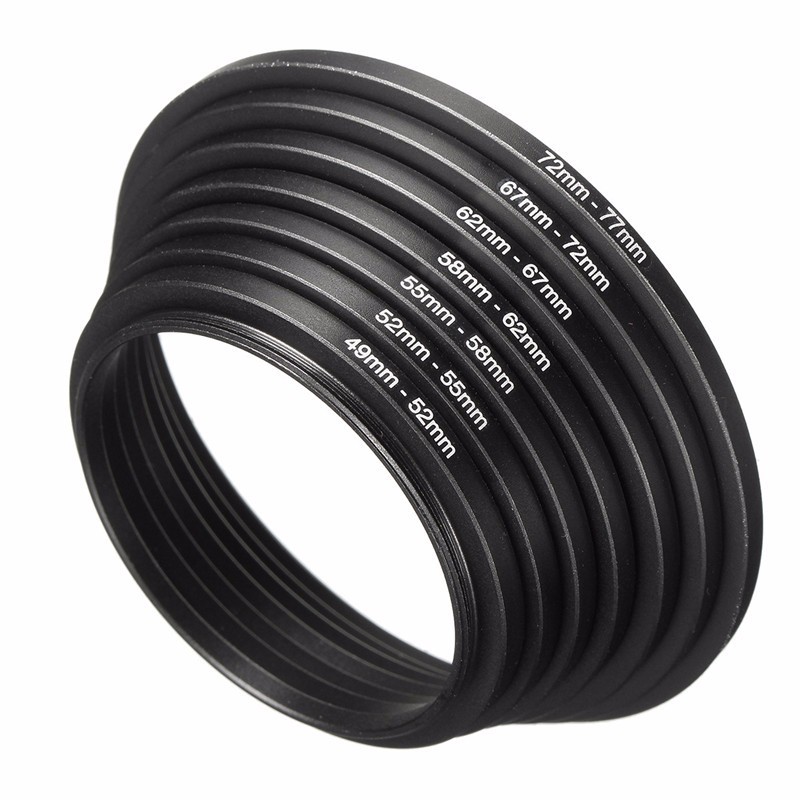
 Set Di Filtri Per Adattatori Per Lenti In Metallo
Gear
₾45.44
Set Di Filtri Per Adattatori Per Lenti In Metallo
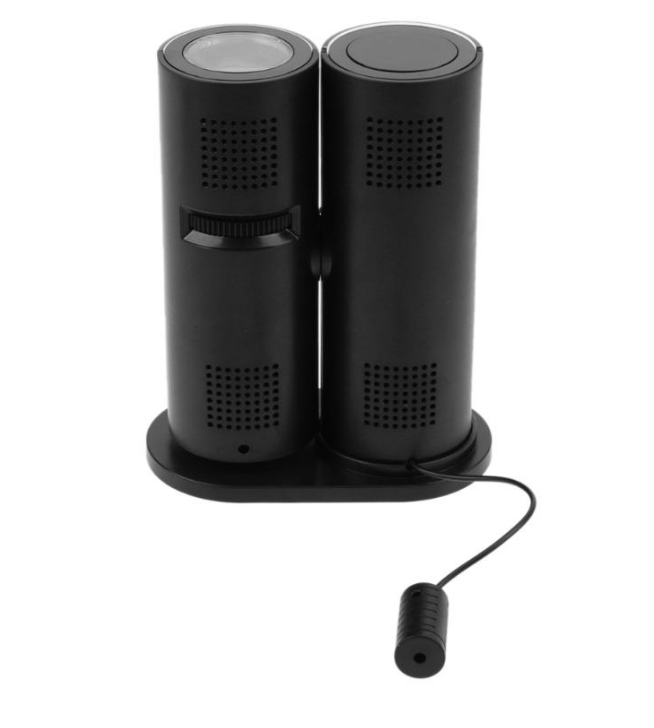
LCD Digital Projection Clock
Gear
₾82.16
LCD Digital Projection Clock
Children's Enlightenment Stickers Quiet Book Kindergarten Busy Book Handmade Material Paste Book Educational Toys
Gear
₾34.86
Children's Enlightenment Stickers Quiet Book Kindergarten Busy Book Handmade Material Paste Book Educational Toys
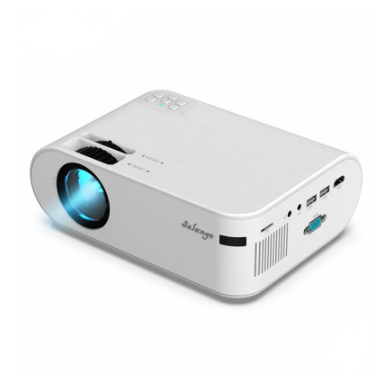
720p Portable Smart Projector P62 Supports Home Office HD Projector
Gear
₾256.37
720p Portable Smart Projector P62 Supports Home Office HD Projector