OmniStore
  • მთავარი
  • ქალის ტანსაცმელიშინაური ცხოველების ნივთებისახლი, ბაღი, ავეჯიHealth, Beauty & HairJewelry & WatchesMen's ClothingBags & ShoesToys, Kids & BabiesSports & OutdoorsConsumer ElectronicsHome ImprovementAutomobiles & MotorcyclesPhones & AccessoriesComputer & Office
    View All Categories

    Featured Gear

    Shop Collection
OmniStore

თქვენი პრემიუმ ონლაინ მაღაზია: უმაღლესი ხარისხის პროდუქცია, სწრაფი მიწოდება მთელი საქართველოს მასშტაბით და საიმედო მომსახურება.

მომხმარებელთა მომსახურება

  • შეკვეთის სტატუსი
  • მიწოდება
  • დაბრუნება
  • კონტაქტი

იურიდიული

  • კონფიდენციალურობა
  • წესები და პირობები
  • ქუქი ფაილების პარამეტრები
კომპანიის რეკვიზიტები

ინდ.მეწარმე ომნიშოპი
ს/კ (საიდენტიფიკაციო კოდი): B26399651
იურ. მისამართი: საქართველო, თბილისი, გურამიშვილის გამზირი 176.

საკონტაქტო ნომერი

+995555739139მობილური: +995555739139

ელექტრონული ფოსტა

omnistore.ge@gmail.comkakee.gio@gmail.com

სამუშაო საათები

ორშაბათი – პარასკევი: 10:00 – 19:00
შაბათი: 11:00 – 16:00
კვირა: დასვენების დღე (ონლაინ შეკვეთები 24/7)

უსაფრთხო გადახდები უზრუნველყოფილია:VISA•MasterCard

ვებ-გვერდი შეესაბამება საქართველოს კანონს „ელექტრონული კომერციის შესახებ“.

© 2026 ინდ.მეწარმე ომნიშოპი. ყველა უფლება დაცულია.

შექმნილია ხარისხზე ფოკუსირებით.

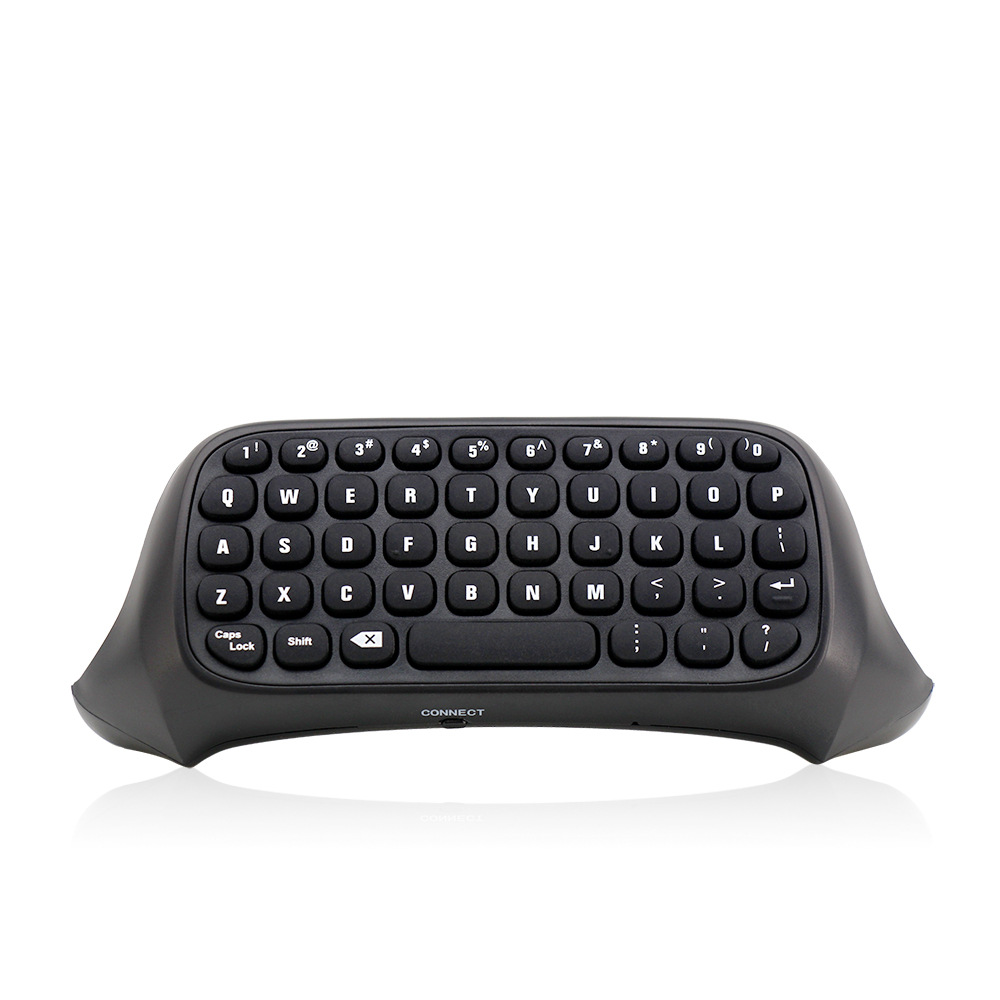
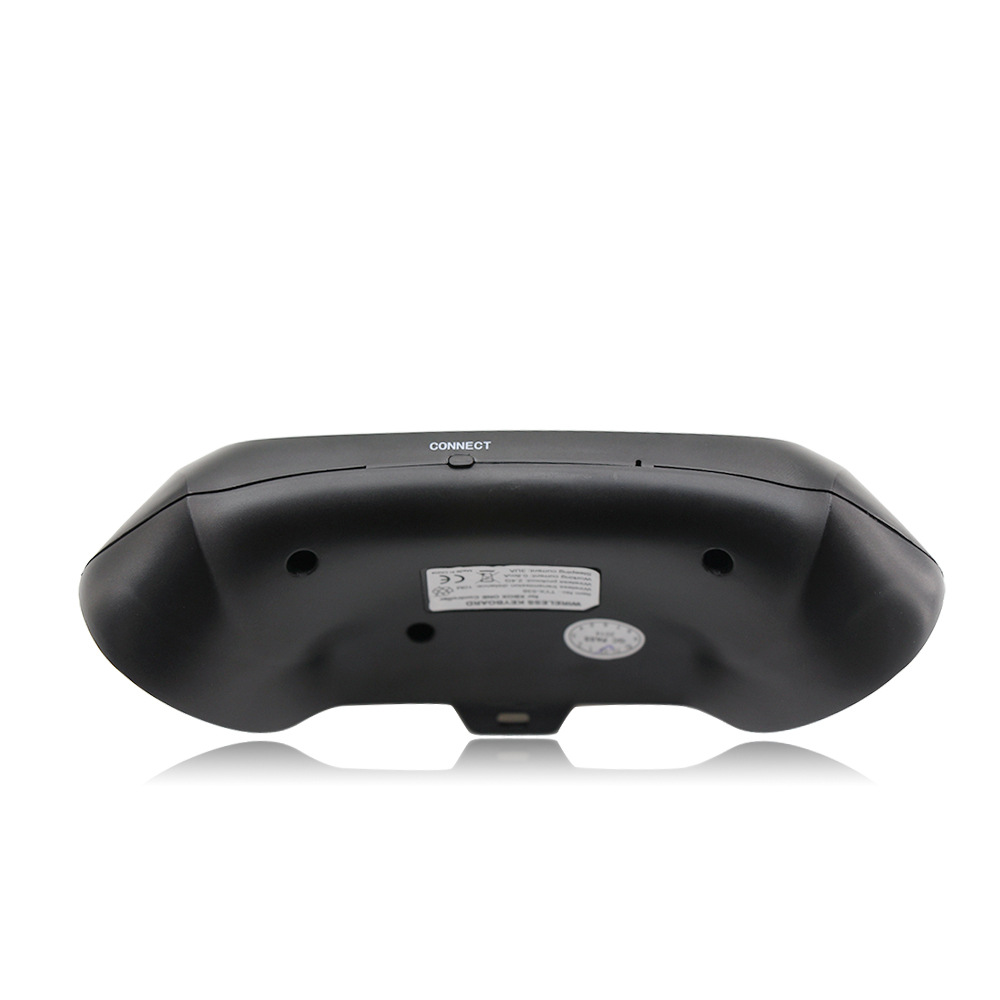
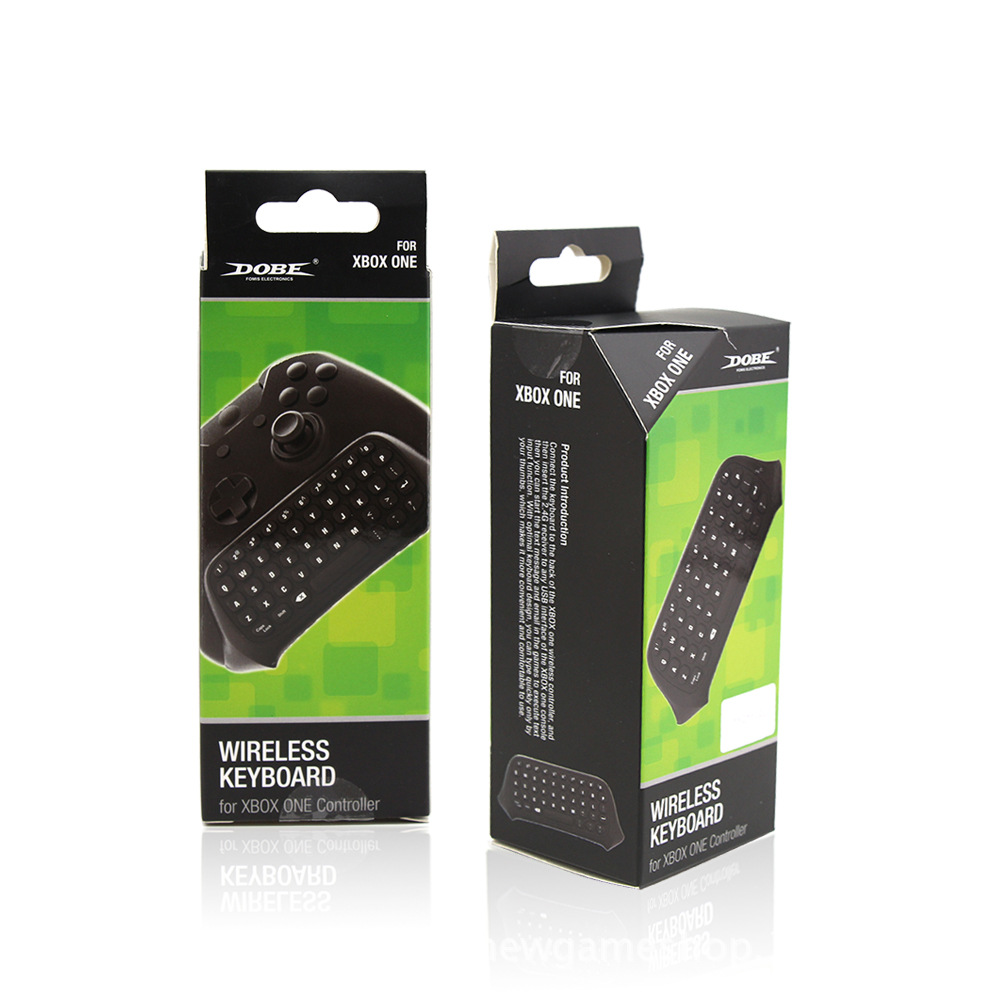
HomeWearable DevicesONE Handle Keyboard 2.4G Keyboard Wireless Keyboard Xboxone Chat Keyboard
ONE Handle Keyboard 2.4G Keyboard Wireless Keyboard Xboxone Chat Keyboard
Hover to zoom
1 / 3

Consumer Electronics / Smart Electronics / Wearable Devices

ONE Handle Keyboard 2.4G Keyboard Wireless Keyboard Xboxone Chat Keyboard

₾55.32
რაოდენობა
1
Free ShippingOrders over $75
Easy Returns30-day window
Secure Pay256-bit SSL

უფასო მიწოდება 150 ლარზე ზევით. 30-დღიანი დაბრუნების გარანტია.

აღწერა

Instructions for use:
1. Connect the XBOX one host power supply first, then connect the HDMI cable to the display device and turn on the XBOX one host power supply. The corresponding power indicator lights up.
2. Connect the Xbox_one handle to the XBOX one host (do not understand the manual)
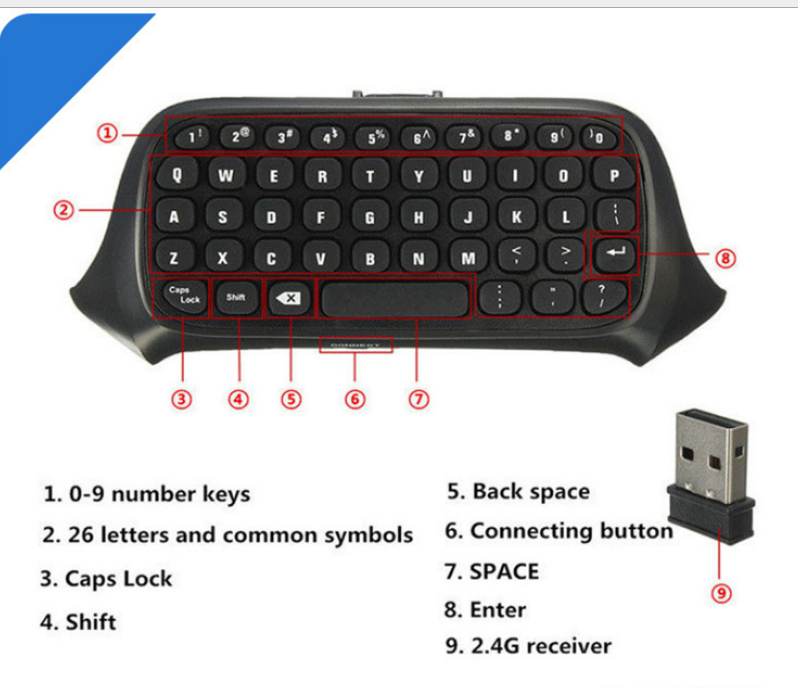
3. Align the two connecting posts of the keyboard with the holes of the controller, align the XBOX ONE headphone head with the seat on the back of the wireless controller, and then gently push the keyboard to the controller until it is stuck. .
4. When the controller of the controller is connected, press the code button on the back of the XBOX one keyboard. The blue light of the XBOX one keyboard will be bright. At this point, the 2.4G receiver of the distribution is plugged into any USB port of the XBOX one host, and the XBOX one keyboard can be automatically completed.
5. After the code is completed, the XBOX one blue code light will be off, which means that the XBOX one keyboard can work normally. (If there is no code success, the blue pair of lights will turn off automatically for 12 seconds, indicating that the XBOX one keyboard enters the sleep power saving mode)
6. The XBOX one keyboard and the 2.4G receiver only need to be coded once, and the subsequent use only needs to open the host wake-up handle to be automatically connected and used directly.

7, XBOX one handle sleep, this product will also go to sleep. Press the “” button on the XBOX one handle to wake up the handle and keyboard.ONE键盘ONE键盘
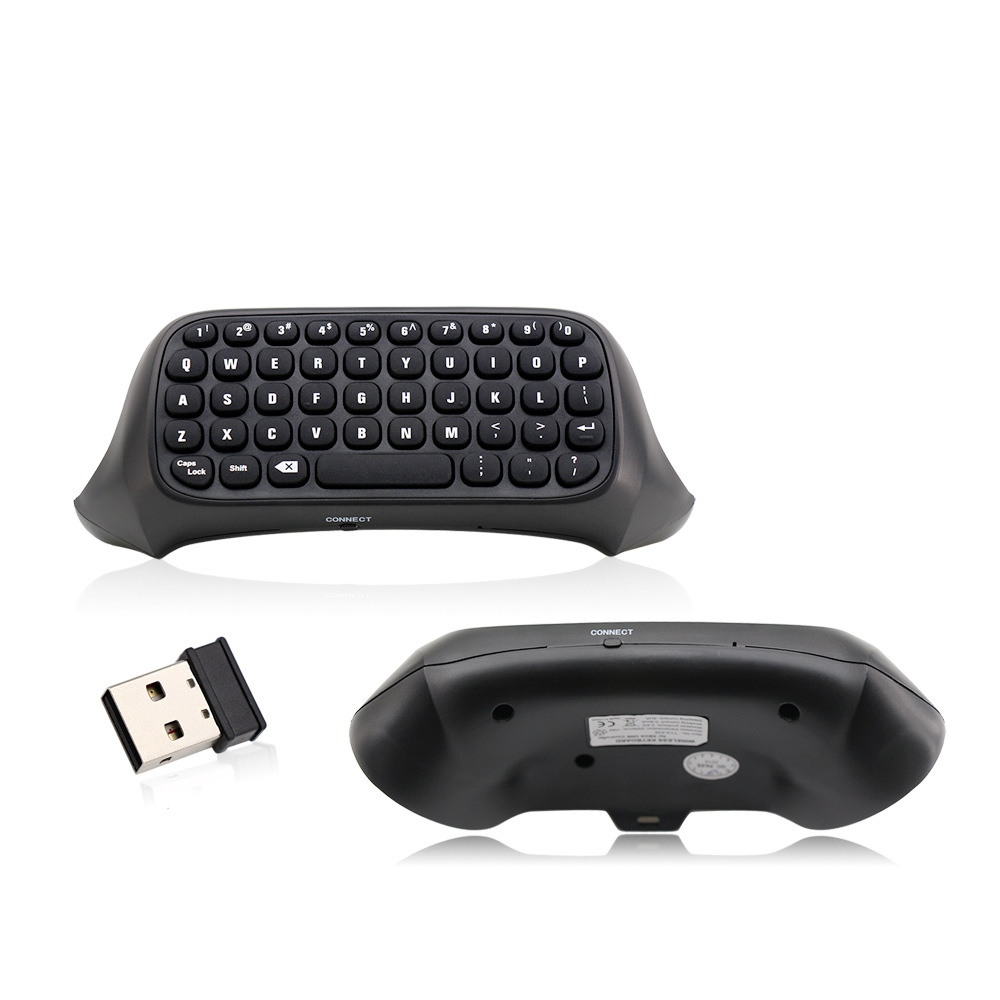

ONE键盘ONE键盘

Tags

Consumer Electronics / Smart Electronics / Wearable DevicesUnisex

Complete the Look

შეავსეთ ნაკრები

View All
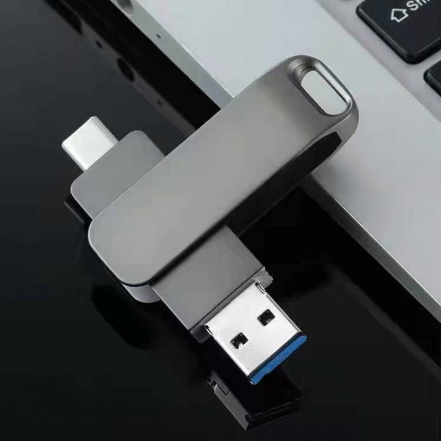
Mobile USB Drive Wholesale Rotating Metal Computer Cellphone Dual-use Fast Transmission
Gear
₾40.23
Mobile USB Drive Wholesale Rotating Metal Computer Cellphone Dual-use Fast Transmission
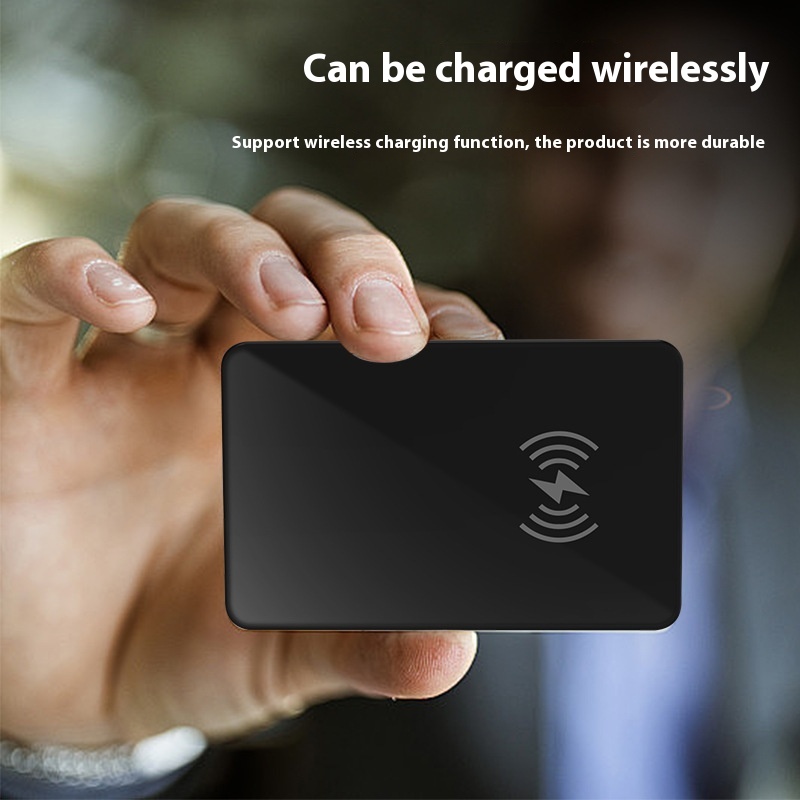
Pet Tracking Artifact Positioning
Gear
₾56.32
Pet Tracking Artifact Positioning
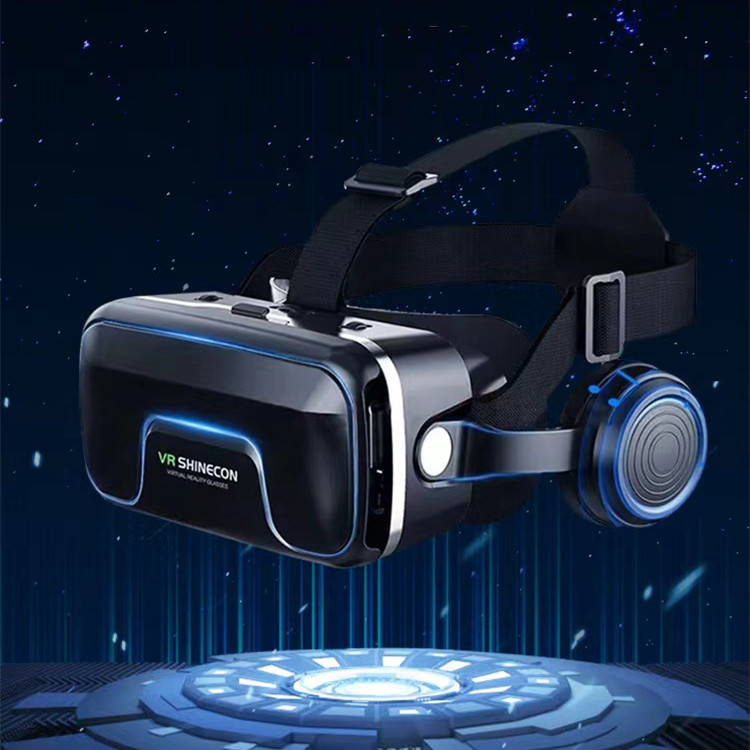
G04EA 7th Generation Vr Virtual Reality Game Glasses
Gear
₾70.23
G04EA 7th Generation Vr Virtual Reality Game Glasses
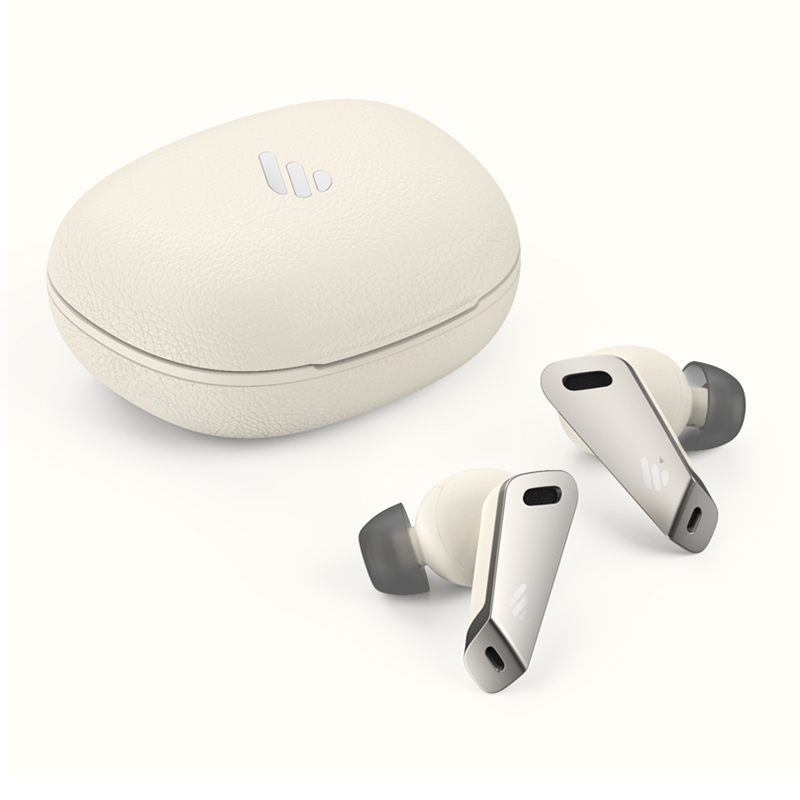
TWS NB2 Active Noise Cancelling Bluetooth Headset
Gear
₾385.80
TWS NB2 Active Noise Cancelling Bluetooth Headset